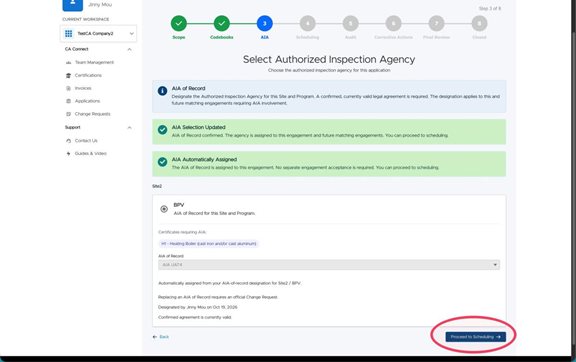
Requesting Authorized Inspection Agency Agreement Confirmation
This guide walks you through the steps to select your authorized inspection agency (AIA) of record during your application. You must already have an ASME.org account and CA Connect Admin Role access, and you must have already submitted an application. To create an ASME.org Account, please review the “Log In to CA Connect” guide.
1. Navigate to the CA Connect Home Page.
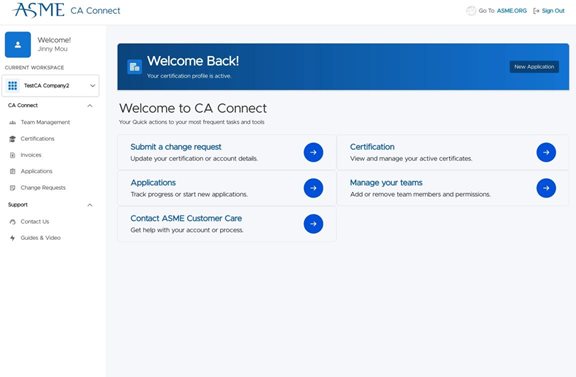
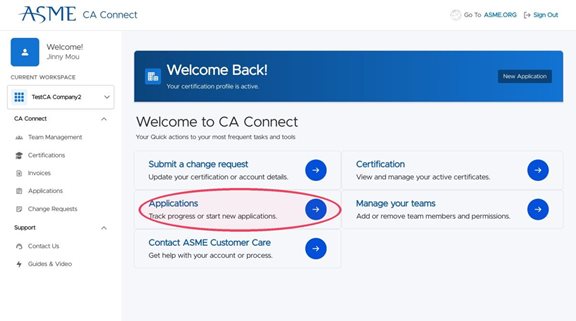
2. Click "Track progress or start new applications."
3. Click "View Details" on your active application.
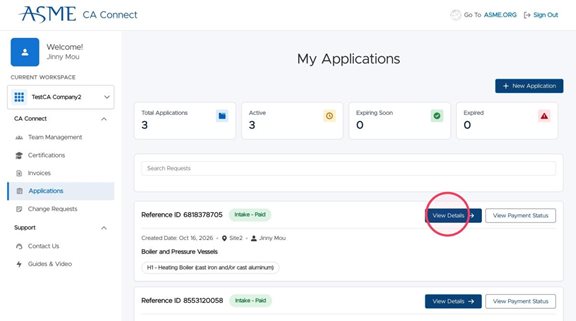
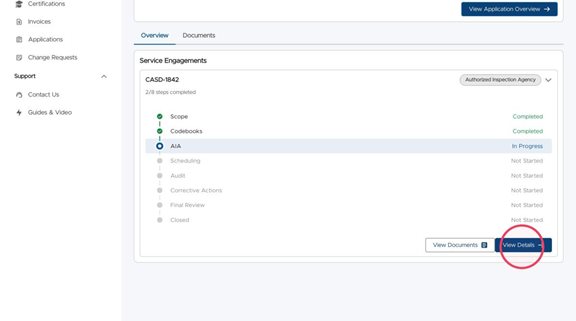
4. Click "View Details" again to see your application details.
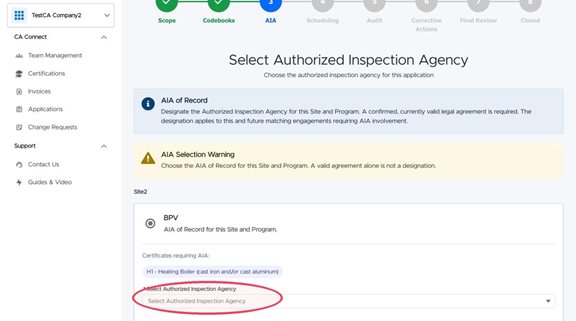
5. Click the "Select Authorized Inspection Agency" dropdown.
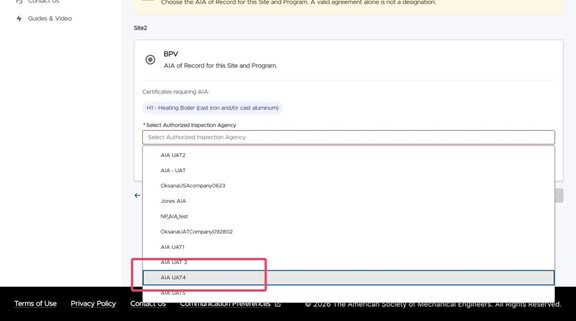
6. Select your designated AIA from the dropdown. If you do not see your AIA listed, please reach out to ASME Staff for assistance.
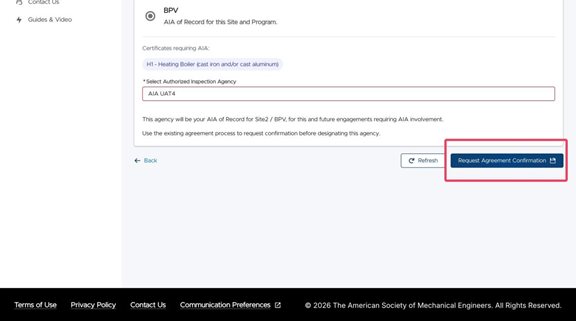
7. Click "Request Agreement Confirmation." This will notify your AIA that you have chosen them in your application.
8. Once your AIA confirms there is a currently active agreement in place with your company, you will be notified by email to proceed with your application.
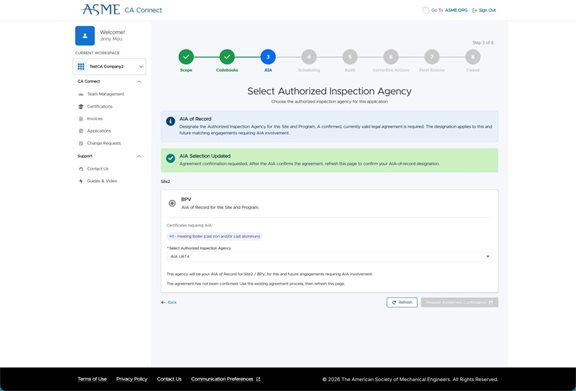
9. Once you login and return to your application in progress, you will confirm the agreement with your AIA.
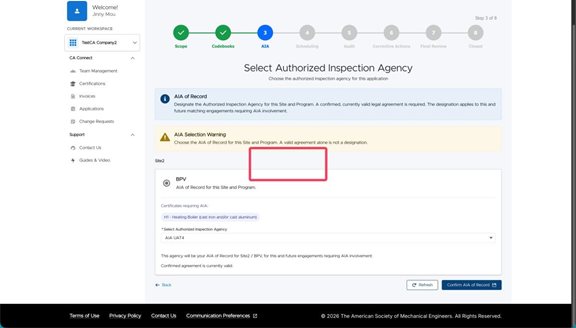
10. Once your AIA has been confirmed, you will be able to proceed with scheduling.