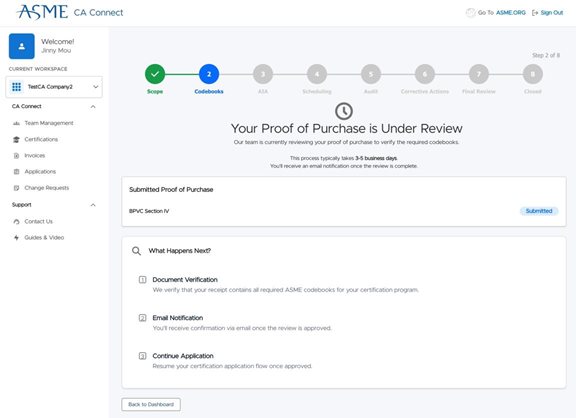
How to Verify Certification Scope and Codebook Purchases
This guide walks you through the steps to verify your Certification scope and purchased codebooks. This guide assumes you have already submitted an initial application and have paid the submission fee.
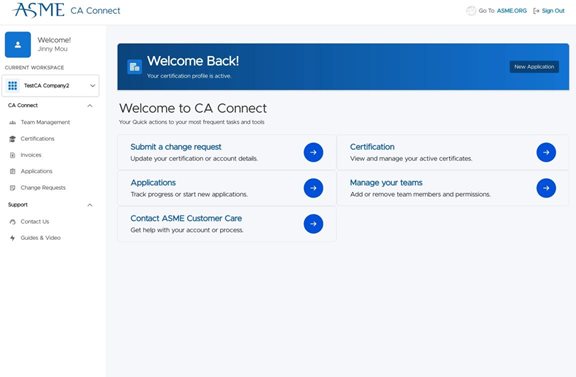
1. Navigate to the CA Connect Home Page.
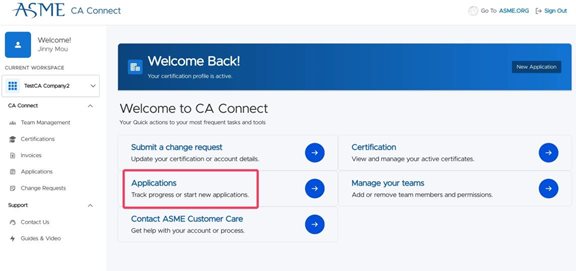
2. Click "Applications" to see your in-progress application.
3. Click "View Details" to see your application status and next steps.
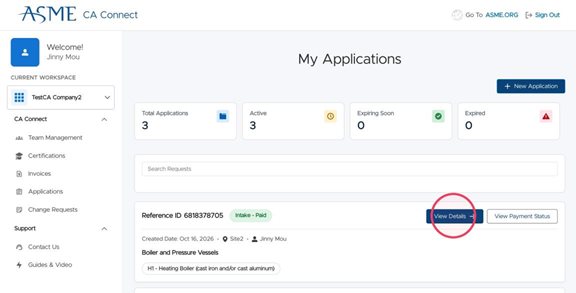
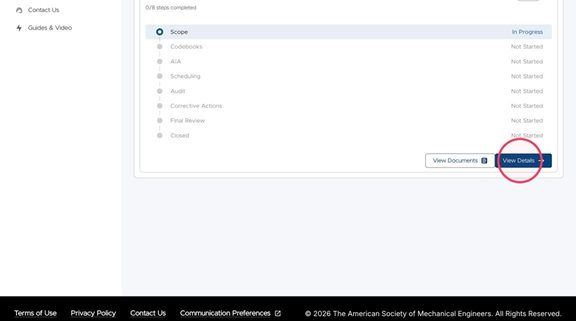
4. Click "View Details" again to verify your certification Scope.
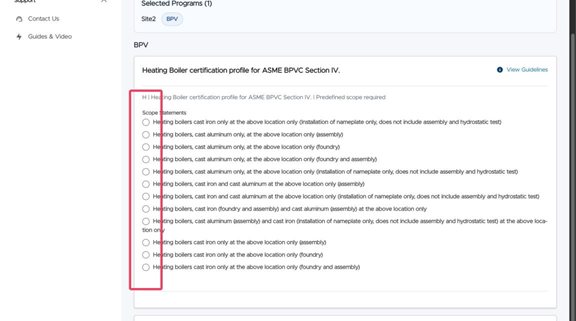
5. Select the appropriate scope statement for your specific Program and Certification. Depending on the selected Program, you may write your own custom Scope Statement. Some basic guidance on writing Scope Statements is provided within the application, but you can always contact ASME for additional assistance. In this example, a predefined statement is chosen.
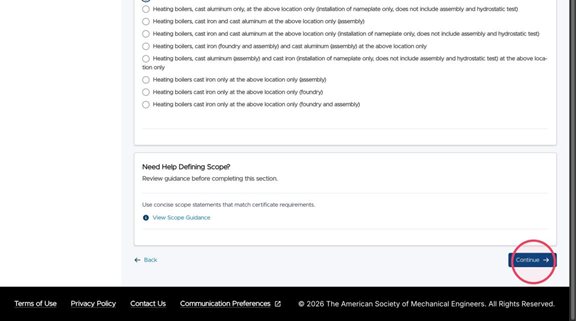
6. Once you have selected your scope or written your own, click "Continue" to move forward to Codebook Verification.
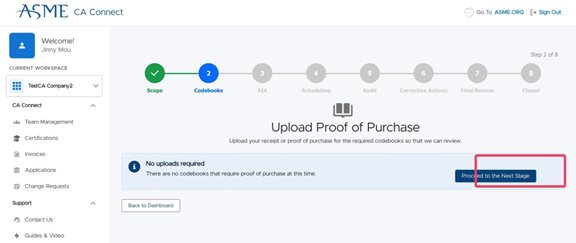
7. If you have already purchased Codebooks via ASME, then you will see the screen below and you can proceed.
8. If you purchased your codebooks via reseller, you will need to upload your proof of purchase receipts for verification by ASME staff. Drag and drop your file onto the cloud icon or click to upload.
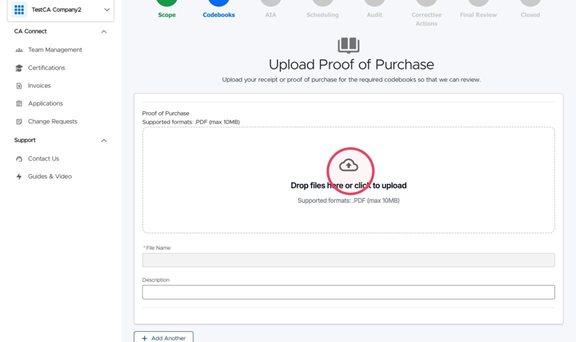 ASME only accepts PDF files up to a max size of 10MB.
9. Add your receipt details into the "Description" field, including which codebook(s) purchased and date of purchase.
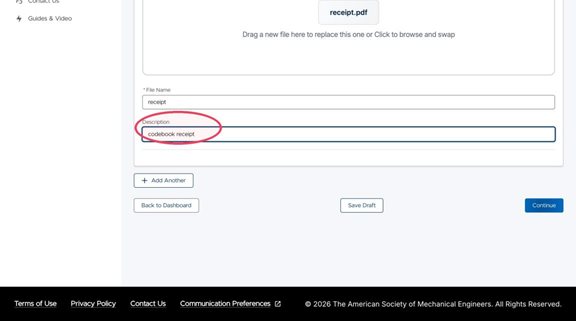
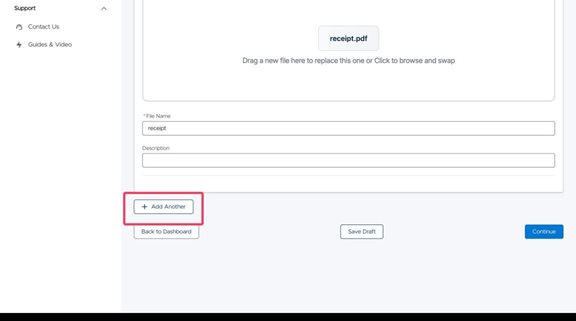
10. If you have multiple receipts for multiple codebooks, click the "Add Another" button.
11. Click "Continue" once you have uploaded all your receipts to proceed to the next step.
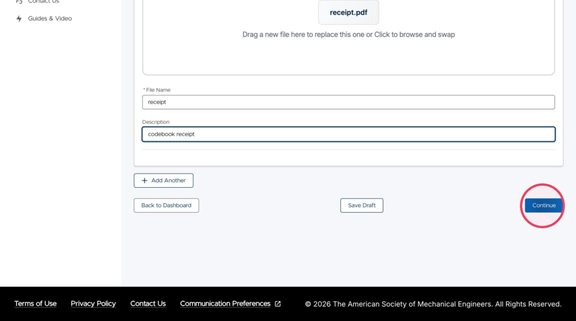
12. Once your receipts have been uploaded, ASME Staff will review and contact you if further details are needed. Once staff have verified your codebook purchase, you will be notified by email to proceed with your application.