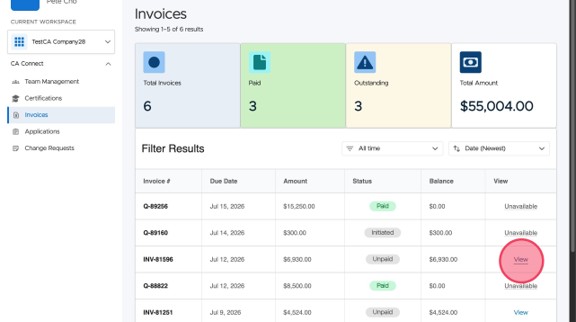
How To View Your CA Connect Invoices
This guide walks you through the process to access your ASME Conformity Assessment Invoices. You must already have an ASME.org account and CA Connect access. To create an ASME.org account, please review the “Log In to CA Connect” guide.
How To View Your CA Connect Invoices
1. Navigate to the CA Connect home page.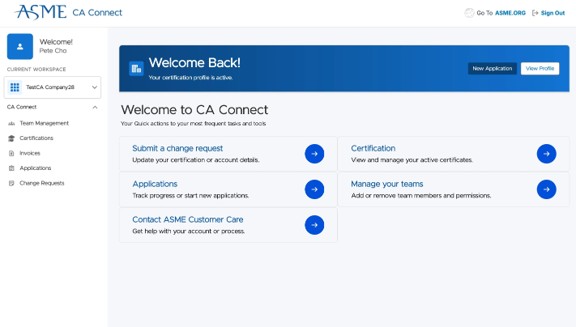
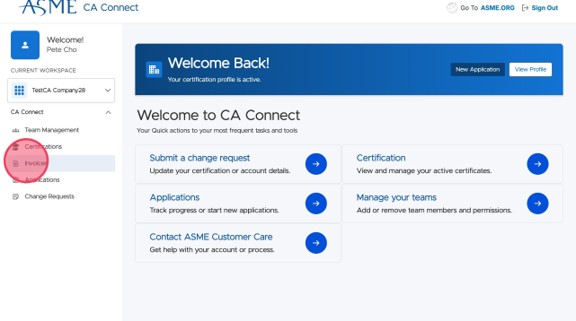
2. Select Invoices from the sidebar.
3. Review your list of invoices sorted newest to oldest. If needed, go to the next page.
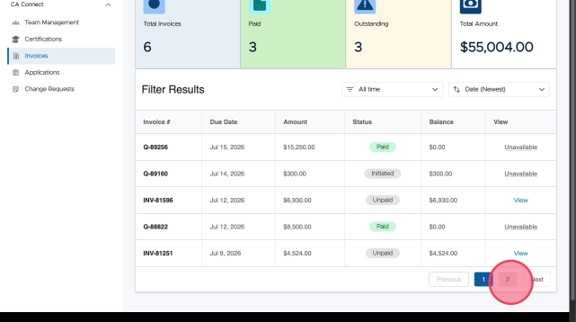
4. Click Previous to return to the first page.
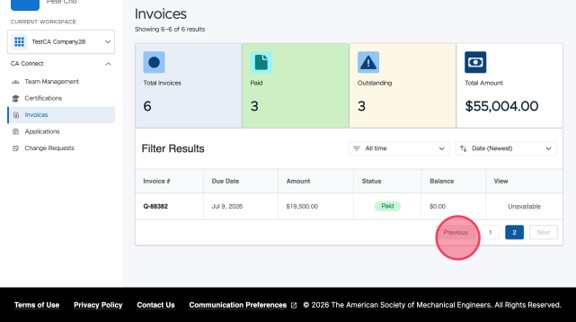
5. Click View to open the invoice details and pay the invoice if needed.